Solutions
keyboard_arrow_downServices
keyboard_arrow_downSupport & Resources
keyboard_arrow_downCompany
keyboard_arrow_downContact

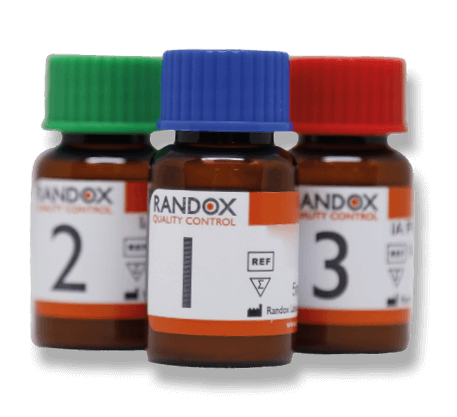
Liquid Chemistry Premium
Plus Control
Comprising 100 analytes in total, the Acusera Liquid Chemistry Premium Plus control is one of the most comprehensive available. Our vast analyte menu allows complete consolidation, eliminating the need to purchase additional controls at extra expense. As an unassayed, third party control it is ideal for monitoring precision on a wide range of laboratory analysers. Presented in a convenient liquid format for ease-of-use, minimal preparation is required.
Get in touch to discover more
To find out more about this Acusera Control or to get in touch with your local Randox Representative, enquire now.
Qlm Imei Repair Tool V1.0.2 --39-link--39- Free Tool All Qualcomm !full! 🎁 Trusted Source
: Easily write one or both IMEI numbers for dual-SIM devices.
: Can be used to write Bluetooth and WLAN addresses along with the IMEI.
: Changing an IMEI number to a different one than what was originally assigned to the device is illegal in many jurisdictions. This tool should only be used for legitimate repair purposes. : Easily write one or both IMEI numbers for dual-SIM devices
: As with any third-party "free" tool, always scan the executable with security software before running it. Qualcomm IMEI Repair Tool B19 v1.0.2 - MobileCareID
: Supports updating MEID or ESN for Qualcomm devices with CDMA functions. This tool should only be used for legitimate repair purposes
: Obtain the tool and extract the ZIP file using a site like Official ROMs or MobileCareID .
: Works on Windows XP through Windows 10 (both x86 and x64) and supports various chipsets such as MSM8209, MSM8909, MSM8916, and MSM8592. How to Use the QLM IMEI Repair Tool : Obtain the tool and extract the ZIP
To successfully repair an IMEI, the device must be in .
: Enable the Diagnostic port on your smartphone (methods vary by device, often requiring specific dialer codes or ADB commands). Configure the Tool : Open the application and click the Settings button. Enter the password ustest if prompted to log in.
Select "Write IMEI1" or "Write IMEI2" depending on your device's SIM slots.
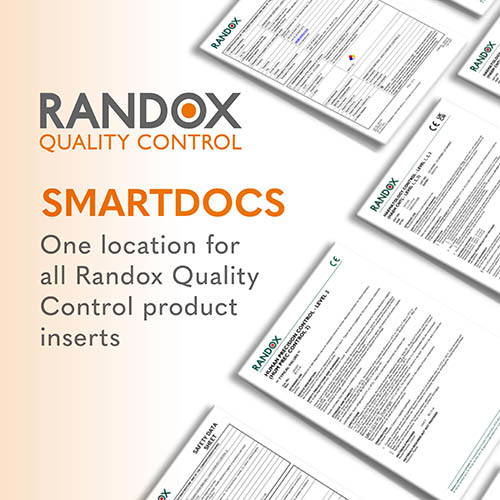
SMARTDOCS
One location for all Randox Quality Control products inserts.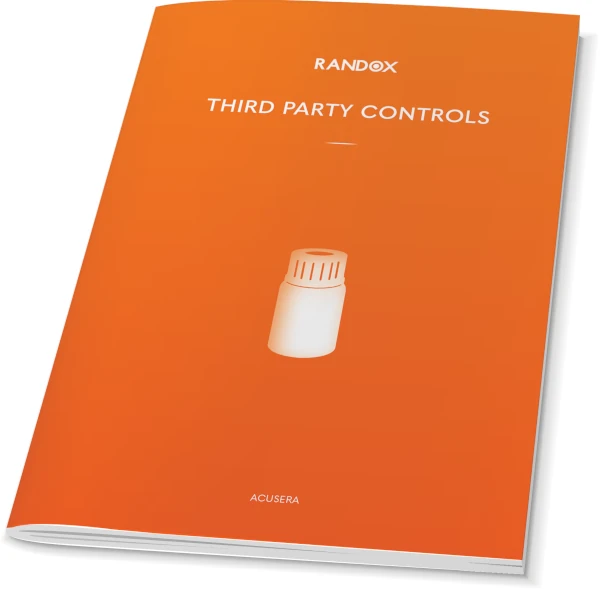
Acusera Brochure
True third party controls offering complete test menu consolidation